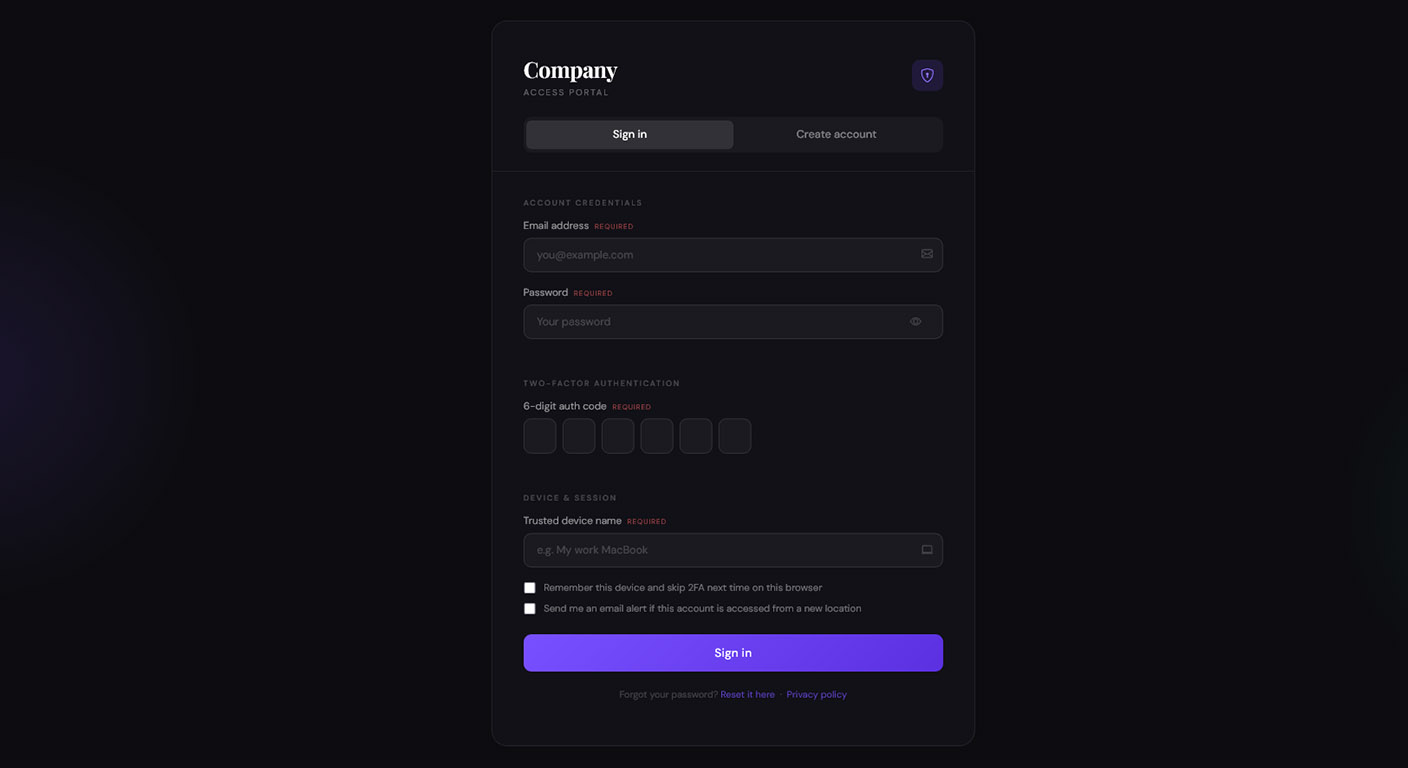
The login screen is the most sensitive page on your entire website. It is the moment when a casual visitor must decide to trust you with their personal data and their password. It is also the page with the highest bounce rate for almost every web application.
Many businesses spend thousands of dollars optimizing their homepage and landing pages, only to lose half of their international traffic the second they reach the login barrier. If a user arrives at a login screen they cannot read, they don’t just feel confused—they feel unsafe.
Less fields, more registrations
Most websites overcomplicate their login and registration pages. That’s a mistake.
Every extra field, every unnecessary step, increases friction. Users don’t want to “work” just to try your product. They want fast access.
Keep it simple:
- Ask only for what’s truly required (email + password is often enough)
- The best option is to use 1-click buttons like “Sign in with Google”
- Remove distractions
- Make the process feel instant
The goal isn’t to collect data upfront — it’s to get users in.
Once someone completes registration, their mindset changes. They’re already invested, even if just a little. That’s when they become far more willing to explore your service, test features, and engage with your admin panel.
A clean, minimal entry point leads to higher conversions and better user retention.
Make it easy to start. The rest comes after.
The invisible conversion killer: Untranslated error messages
The worst part of a bad login experience isn’t usually the “Username” or “Password” labels. Everyone knows what those boxes mean. The real disaster happens when something goes wrong.
Imagine a user in Tokyo or Berlin trying to log in. They make a typo in their password. The page refreshes and displays a red error message:“Invalid credentials. Please try again or reset your password if you have forgotten it.”
If that message is in English, the user is stuck.
- They don’t know if their account was blocked.
- They don’t know if the server is down.
- They don’t know how to find the “Forgot Password” link.
Instead of trying again, they simply close the tab. They leave because they don’t want to deal with the stress of a foreign-language technical error.
Localization beyond the labels
A truly localized login screen requires more than just translating the “Sign In” button. You need to handle:
1. Placeholders and Hints
“Enter your email address” or “Must be at least 8 characters” are critical instructions. If these remain in English, the user has to guess the requirements of your system.
2. Password Recovery Flows
The “Forgot Password” process is often the most neglected part of a website’s translation. If the recovery email or the reset page is in a different language, the user will feel abandoned by your support system before they even get inside.
3. Social Login buttons
Buttons like “Continue with Google” or “Sign in with Facebook” should be localized to match the user’s expectations. It makes the platform feel like a truly global service, not a local one that just “added” a translation.
How Translate.js fixes the Auth Wall
Translate.js was built to handle all text fields with precision and speed.
- Instant Translation: Our script automatically finds all text forms and translates them into the chosen language.
- Error Case Handling: We automatically translate dynamic error messages as they are injected into the page, ensuring the user is never left guessing what went wrong.
- Secure and Lightweight: We don’t interfere with the actual input fields or the authentication logic, so your security remains 100% intact while the interface becomes 100% readable.
Conclusion
Don’t let your login screen be a wall. It should be a door. By providing a fully localized authentication experience, you remove the psychological barriers of fear and confusion. You show your international users that you value their security and their business just as much as your English-speaking ones.
With Translate.js, you can fix your highest-bounce page in minutes. Build trust, reduce drop-offs, and welcome your global audience properly.
Make your website multilingual
Break language barriers and connect with audiences worldwide. Expand your reach, grow your business, and go global today.
No credit card required