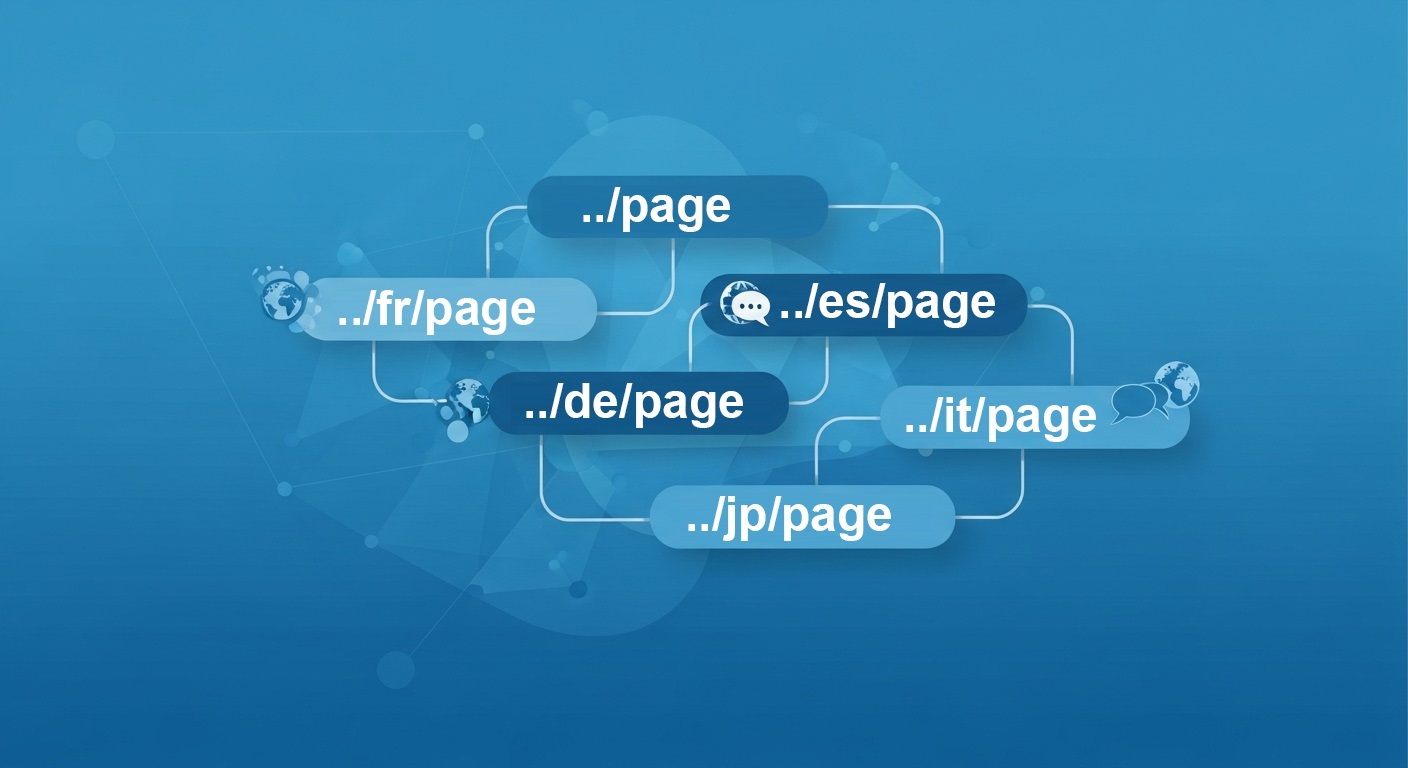
When you translate your website into multiple languages, you naturally create many versions of the same pages. This is great for your users. But for search engines like Google, it can look a bit suspicious. Search engines hate duplicate content. If they see similar pages and do not understand how they are related, they might penalize your site or just ignore your translated pages.
This happens often if you do not set up your canonical urls and hreflang tags correctly. Finding the balance between these two tags is the secret to good international SEO.
Today I want to explain exactly how to avoid duplicate content problems when you have a multilingual site. I will share real, proven facts based on Google’s own guidelines.
What is a canonical url exactly
Imagine you have a product page that can be reached from three different links. Maybe one has a tracking code, one is the main link, and one is just a weird category path. A canonical url is simply a standard html tag that tells Google which of those links is the main one. It looks like this:.
If Google sees three identical pages, it looks for this tag. Then it merges the authority of all three and ranks only the main one. This keeps your search traffic focused and avoids duplicate content issues.
The big mistake: pointing all canonicals to English
Many webmasters make a huge mistake when they first translate their sites. They think my main site is in English, so all my French and Spanish pages should have a canonical tag pointing back to the English page.
Do not do this. Google explicitly says that you must not use canonical tags to suggest alternate language versions.
If your French page has a canonical tag pointing to the English page, Google will think the French page is just a duplicate that it should ignore. Your French page will never appear in search results. It simply vanishes from Google.
The correct approach: self-referencing canonicals
The absolute best practice for multilingual sites is to use self-referencing canonical tags.
This means every single language page must point to itself as the main version.
Your English page (for examplehttps://mysite.com/en/page/) points to its own/en/url.
Your French page (https://mysite.com/fr/page/) points to its own/fr/url.
Your German page (https://mysite.com/de/page/) points to its own/de/url.
By doing this, you tell Google that each language page is a unique piece of content that deserves to be indexed and ranked in its own country.
If canonicals point to themselves, how do we link the languages?
You might wonder how Google knows that the French and English pages are part of the same website if they do not share a canonical tag. The answer is the hreflang tag.
Hreflang is another html tag specifically designed for international SEO. While canonical tags handle duplicates within the same language, hreflang tags tell Google about the relationship between different languages.
To be perfectly optimized, every page needs a complete cluster of hreflang tags showing all other language versions, plus a self-referencing canonical tag. The hreflang should always point to the canonical url of each language version. Also, always use absolute urls with “https://” in your tags to avoid any confusion.
It sounds complicated because it is. You have to make sure every language variant points to every other variant bidirectionally. If you have five languages, that is a lot of tags on every page.
The easy way to automate all this
Doing this manually is a absolute nightmare. If you forget one tag or make a small typo, Google might drop your pages from search.
This is exactly why we built Translate.js to automate the entire technical SEO process. When you use our tool, you just add one line of code to your site. Our system automatically generates the correct self-referencing canonical tags for every language variant. It also automatically builds perfect, bidirectional hreflang clusters for you.
Your translated pages get indexed fast, you avoid any duplicate content penalties, and you start getting free international traffic from Google without hiring an SEO expert. It handles titles, meta descriptions, and everything else automatically.
International SEO does not have to be hard. Just make sure your canonicals point to themselves, use hreflang for the language links, and let a smart tool do the heavy lifting for you.
Make your website multilingual
Break language barriers and connect with audiences worldwide. Expand your reach, grow your business, and go global today.
No credit card required